Best background removal tools
Clean backgrounds in seconds
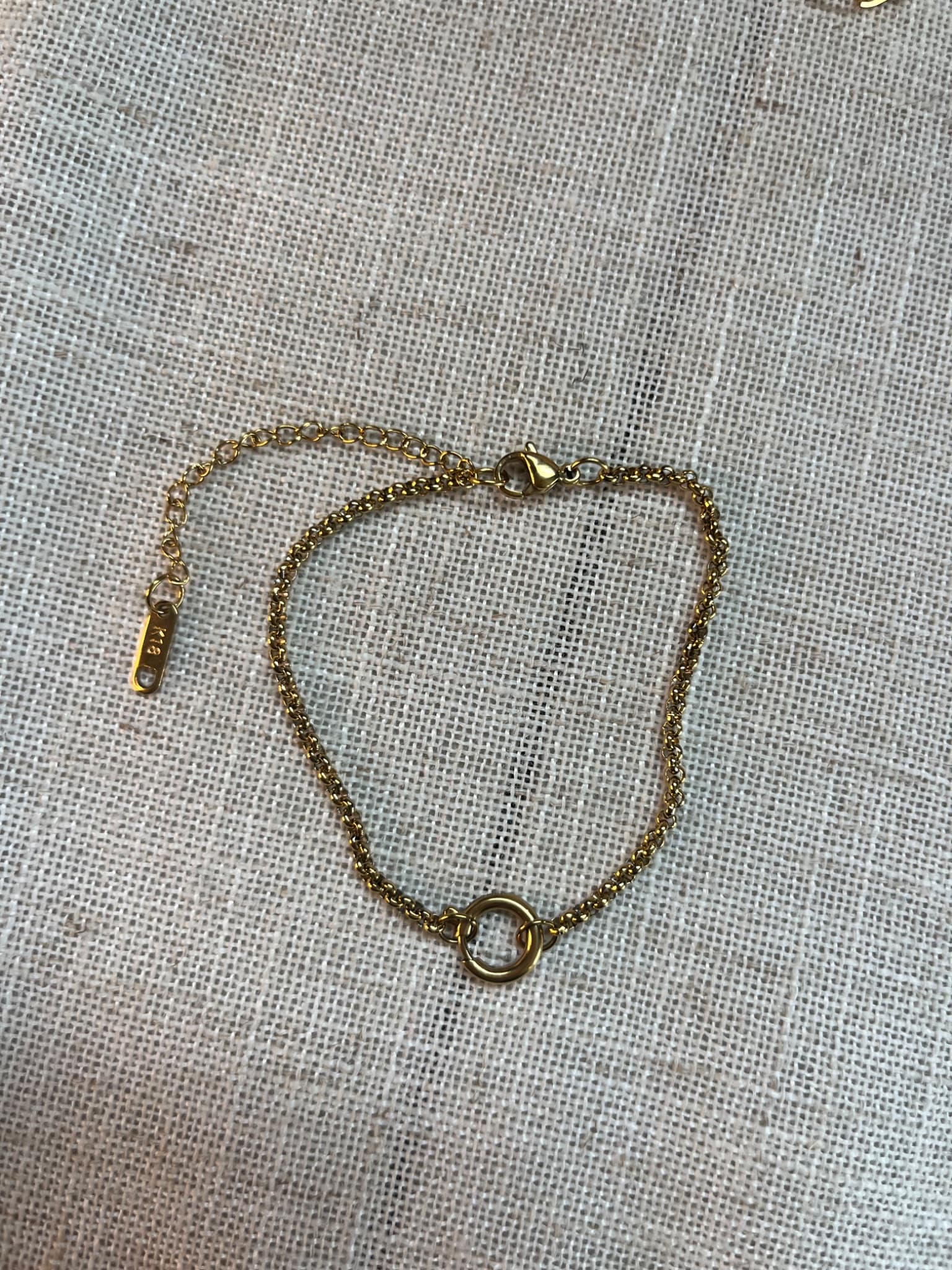
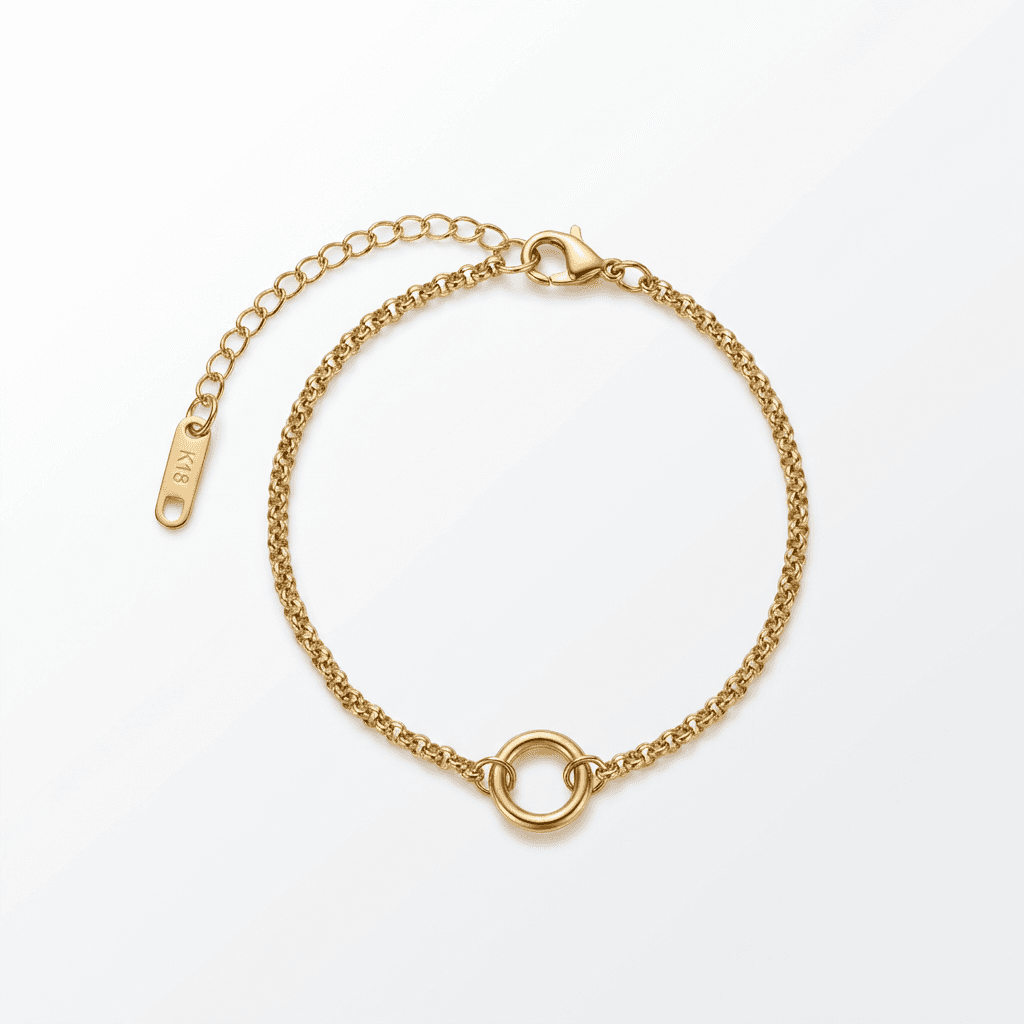
Transform your product photos with AI-powered minimalist photography.
Compare the top tools for removing backgrounds from product photos.
Options compared
| Feature | Option A | Option B |
|---|---|---|
| Best overall | Remove.bg | Fast, accurate, reliable |
| Best for products | aiproduct.photography | Removal plus enhancement |
| Best mobile app | PhotoRoom | Excellent mobile experience |
| Best for batch processing | Clipping Magic | Bulk upload features |
| Best free option | Canva (limited) | Free tier available |
Key benefits
Compare all major options
Find the best tool for your workflow
Understand pricing differences
Choose based on your specific needs
Ideal use cases
- Anyone needing clean product backgrounds
- Evaluating background removal options
- High-volume processing needs
Recommended photo styles
See AI product photography in action
Upload your product photo and see professional results in under 2 minutes. No credit card required to start.
Try it freeFrequently asked questions
Which background removal tool is most accurate?
Remove.bg and PhotoRoom lead in accuracy for most products. For complex edges, Clipping Magic offers manual refinement tools.
Should I just remove the background or use full AI photography?
If you just need transparent or white backgrounds, removal tools are sufficient. For complete professional scenes, AI photography adds more value.
Related comparisons
Ready to create professional product photos?
Join thousands of sellers using AI to create stunning product photos. Start with 3 free credits.
Start creating free