How to create product photos for Pinterest
Pin-worthy products that drive traffic
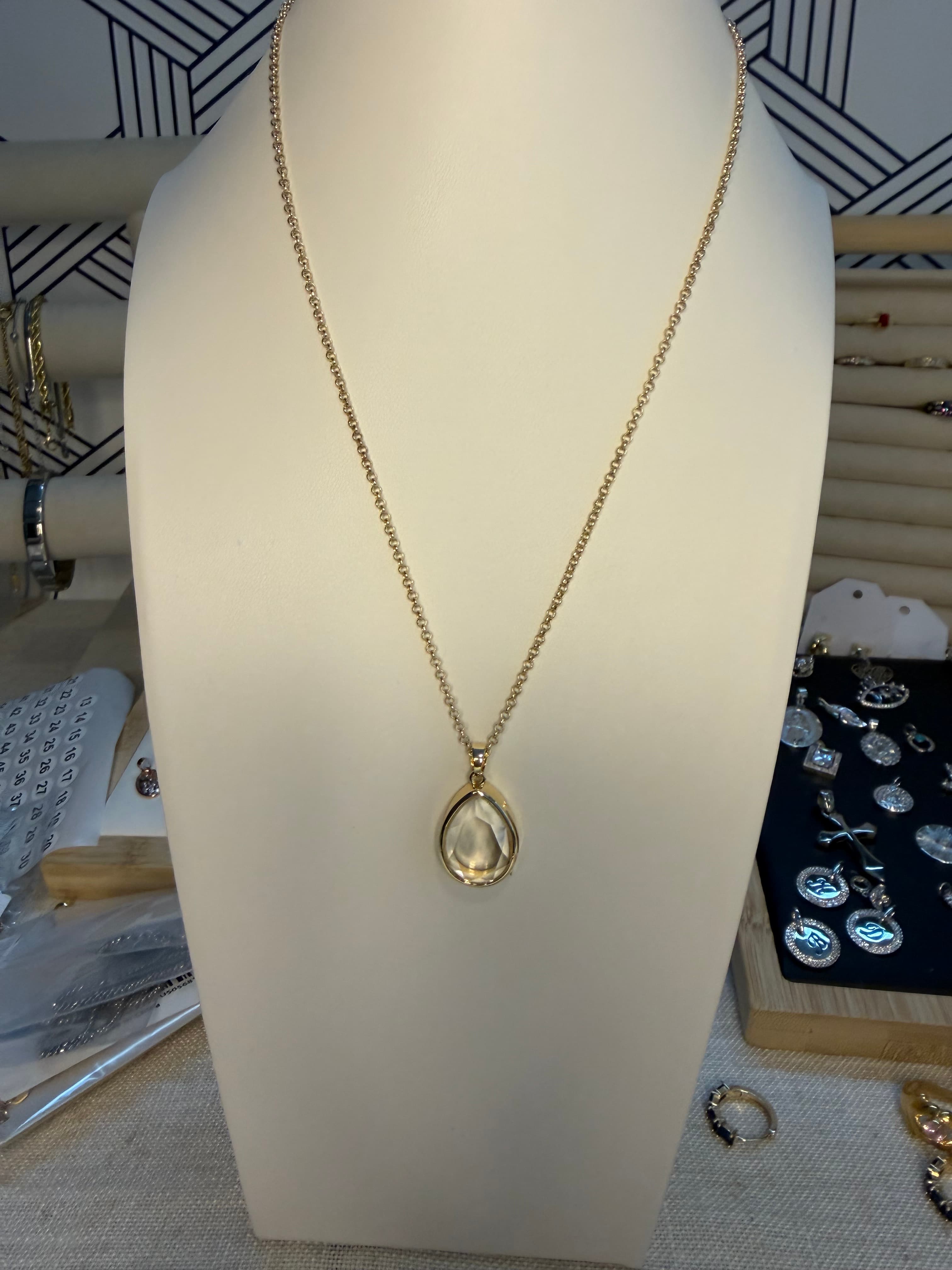
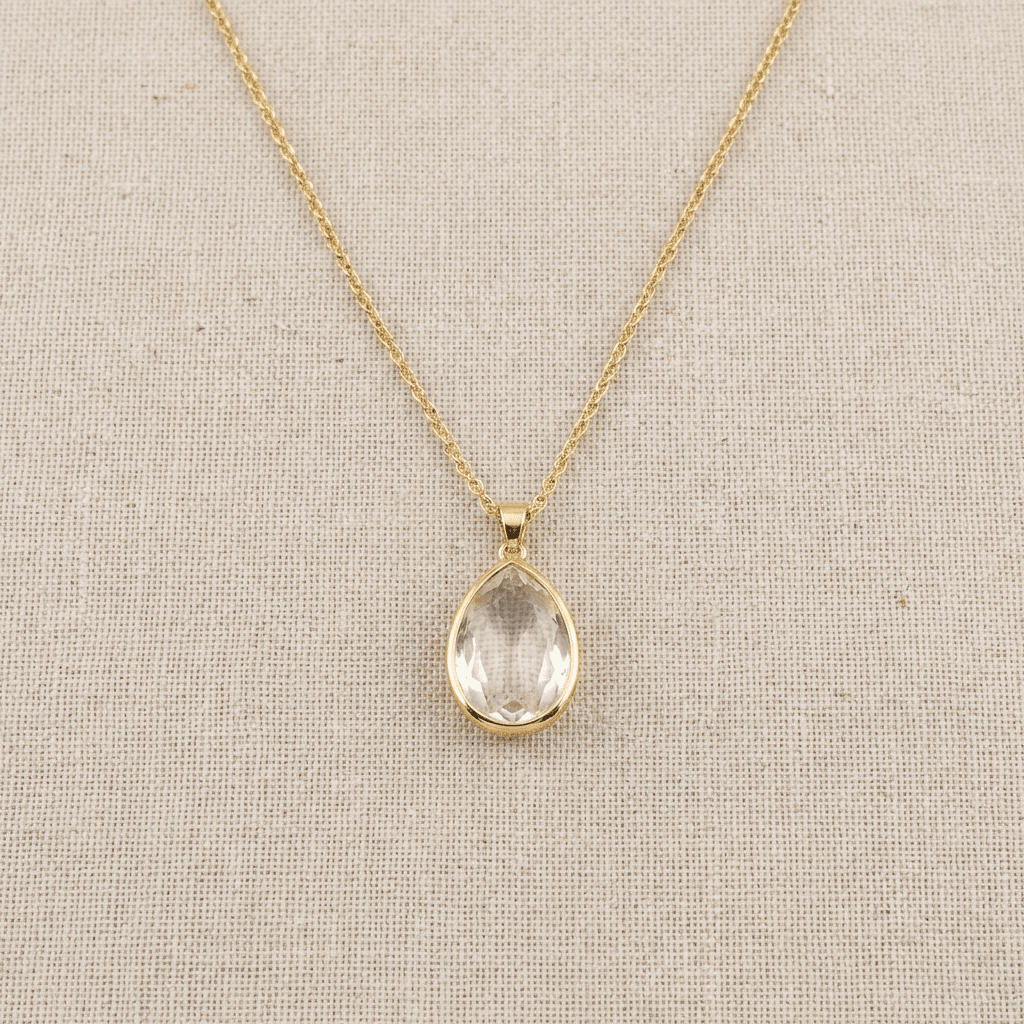
Transform your product photos with AI-powered flat lay photography.
What you'll need
- Camera or smartphone
- Good lighting
- Lifestyle props and backgrounds
- Photo editing software
- Text overlay tools (optional)
Step-by-step guide
Design for vertical format
Pinterest is vertical-first. 2:3 aspect ratio (1000x1500px) is optimal. Vertical pins take more space and get more attention.
Create lifestyle context
Pinterest users seek inspiration. Show products in beautiful, aspirational settings. Lifestyle imagery dramatically outperforms plain product shots.
Use bright, clear imagery
Pinterest rewards bright, sharp, colorful images. Avoid dark, moody shots that don't stand out in the feed. High contrast performs well.
Add informative text overlays
Text on images helps Pinterest understand and categorize your content. Include product names, prices, or benefit statements.
Optimize for search
Pinterest is a search engine. Name image files descriptively. Write detailed pin descriptions with keywords people search for.
Pro tips
Group related products in collage pins for variety content
Seasonal and trend-related content gets extra distribution
Step-by-step or how-to pins drive high engagement
Multiple pins per product with different angles and contexts
Common mistakes to avoid
Using horizontal or square images that appear small
Dark, moody imagery that doesn't stand out
No text or context making pins less discoverable
Recommended photo styles
The easier way: AI product photography
While these manual techniques work great, AI can achieve professional results in seconds. Upload your product photo and let AI handle the lighting, backgrounds, and styling automatically.
Try AI product photographyFrequently asked questions
What size should Pinterest product images be?
2:3 aspect ratio is ideal (1000x1500px minimum). Vertical images occupy more screen space. Square and horizontal appear smaller.
Should I add text to Pinterest product photos?
Text overlays improve discoverability and click-through. Add product names, prices, or key benefits. Keep text minimal and readable.
How do I make product pins stand out?
Use bright, colorful lifestyle imagery. Include text overlays. Create vertical format. Show products in aspirational real-world settings.
Related guides
Related resources
Photography styles
Ready to create professional photos?
Skip the setup and create stunning product photos with AI. Start with 3 free credits.
Start creating free