How to set up a product photography studio at home
Your professional studio at home
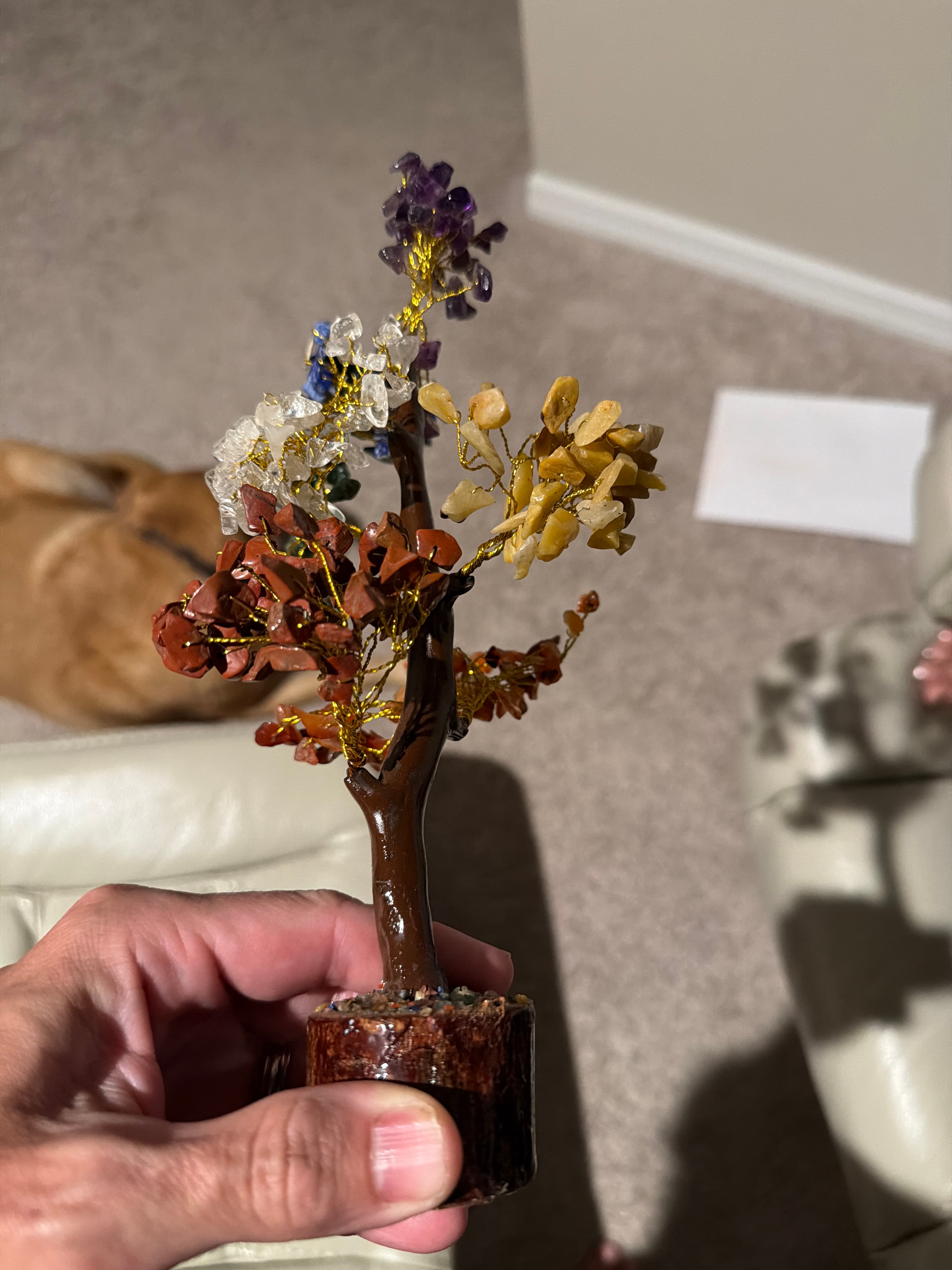
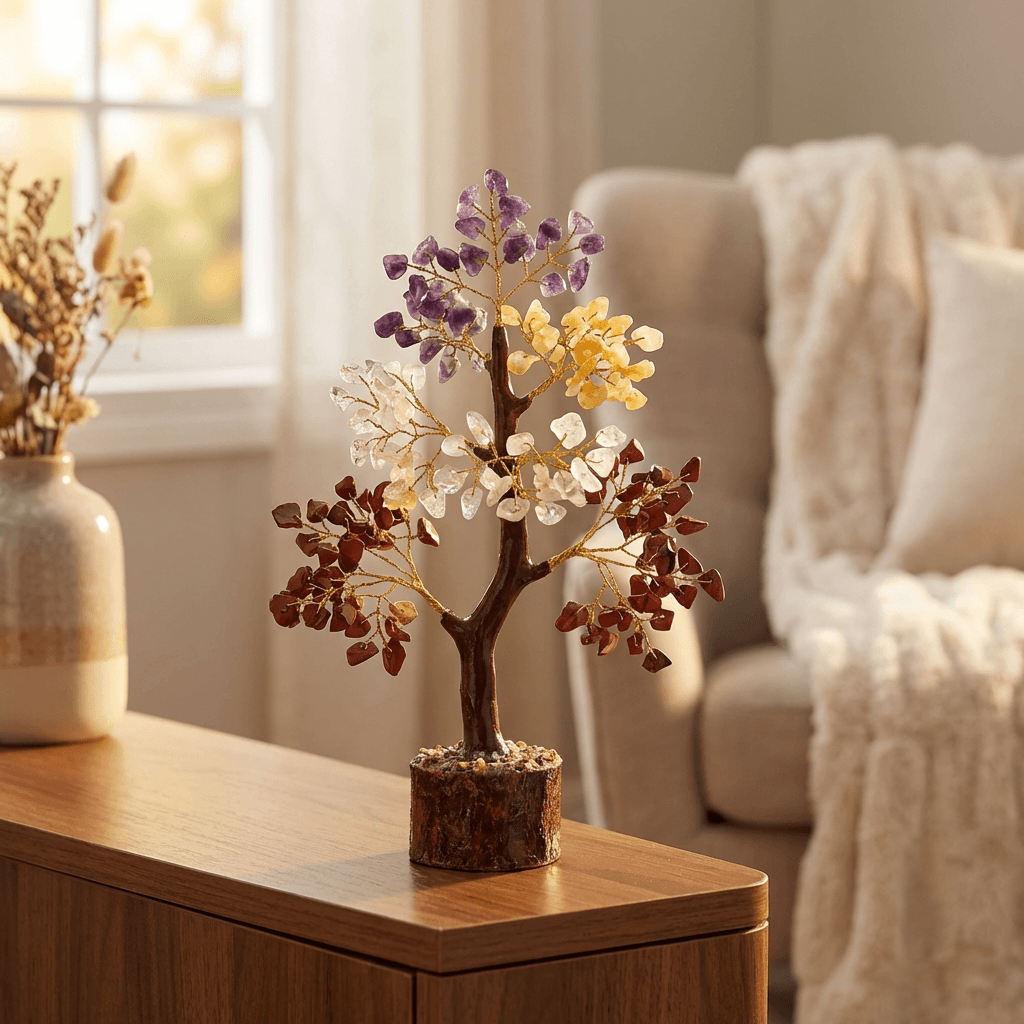
Transform your product photos with AI-powered lifestyle photography.
What you'll need
- Dedicated space (corner, spare room, or garage)
- Shooting table or platform
- Backdrop system (paper rolls or boards)
- Lighting kit (2-3 lights minimum)
- Tripod and camera
- Basic props and tools
Step-by-step guide
Choose your space
Find a space you can dedicate to shooting - a spare room, garage corner, or even a large closet. Consistent setup saves time and produces consistent results.
Set up your shooting surface
Install a stable table at comfortable working height. Consider a seamless sweep holder for paper backdrops, or use foam board on tabletop.
Install your lighting
Position two lights at 45-degree angles as your main and fill. Add a third light for background or rim lighting. Use light stands that give height flexibility.
Organize tools and props
Keep frequently used items within reach: cleaning supplies, tape, putty, reflectors, and common props. Wall-mounted storage keeps the floor clear.
Control ambient light
Install blackout curtains or blinds to eliminate window light when needed. This gives full control over your lighting environment.
Pro tips
Mark floor positions with tape for consistent light placement
Use a rolling cart for equipment to quickly change setups
Install tethered shooting with a monitor for immediate review
Keep a gear checklist for each shooting session
Common mistakes to avoid
Not controlling ambient light from windows
Setting up in high-traffic areas that get disturbed
Inadequate power outlets for multiple lights
Recommended photo styles
The easier way: AI product photography
While these manual techniques work great, AI can achieve professional results in seconds. Upload your product photo and let AI handle the lighting, backgrounds, and styling automatically.
Try AI product photographyFrequently asked questions
How much space do I need for a home studio?
Minimum 6x6 feet for small products. 10x10 feet is more comfortable. Ceiling height of 8+ feet allows overhead lighting options.
What is the best lighting for a home studio?
Start with two softboxes and a reflector. Continuous LED panels are beginner-friendly. Strobes offer more power for faster shooting.
Do I need a photography table?
A dedicated shooting table with sweep holder is ideal but not required. Any stable table with poster board backdrop works for starting out.
Related guides
Related resources
Photography styles
Ready to create professional photos?
Skip the setup and create stunning product photos with AI. Start with 3 free credits.
Start creating free