How to batch edit product photos
Edit hundreds of photos in minutes

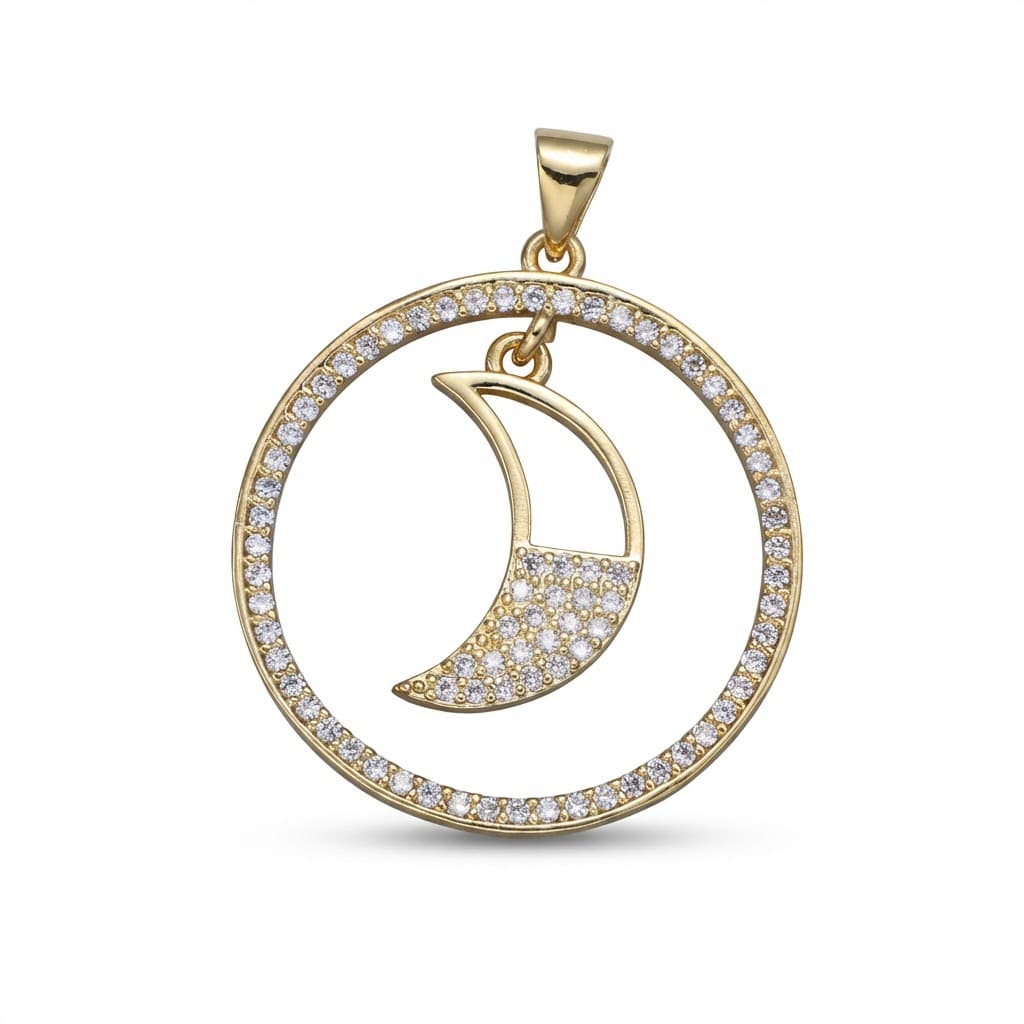
Transform your product photos with AI-powered studio white photography.
What you'll need
- Lightroom, Photoshop, or batch processing software
- Consistently shot source images
- Reference edit to create presets
Step-by-step guide
Shoot consistently
Batch editing works best when source images are consistent. Use same lighting, camera settings, and backgrounds for products you'll process together.
Create a master edit
Edit one representative image perfectly. Adjust exposure, color, cropping, and any other corrections needed.
Save as preset
In Lightroom, save your adjustments as a preset. In Photoshop, record your edits as an Action for repeatable application.
Apply to batch
Select all images in your batch and apply the preset simultaneously. In Photoshop, use File > Automate > Batch to process folders.
Review and fine-tune
Quickly scan through processed images. Some may need individual adjustment due to variation in products or shooting conditions.
Pro tips
Create separate presets for different product types or lighting setups
Use smart collections in Lightroom to organize and track batch progress
Export directly to marketplace-required dimensions and formats
Keep original files untouched - work on copies for batch processing
Common mistakes to avoid
Applying presets to inconsistently shot images
Not reviewing individual images after batch processing
Overwriting original files instead of creating processed copies
Recommended photo styles
The easier way: AI product photography
While these manual techniques work great, AI can achieve professional results in seconds. Upload your product photo and let AI handle the lighting, backgrounds, and styling automatically.
Try AI product photographyFrequently asked questions
What software is best for batch editing product photos?
Lightroom is ideal for batch processing with its catalog system and sync features. Photoshop Actions work well for more complex edits.
How many photos can I batch edit at once?
Software can handle hundreds or thousands. The practical limit is your computer's RAM and storage speed. Process in manageable chunks for easier review.
Will batch editing work for products with different colors?
Yes, if lighting is consistent. Color variations in products should come through naturally. Avoid presets with strong color adjustments for mixed batches.
Related guides
Related resources
Photography styles
Ready to create professional photos?
Skip the setup and create stunning product photos with AI. Start with 3 free credits.
Start creating free