How to resize product photos for marketplaces
Perfect sizes for every platform
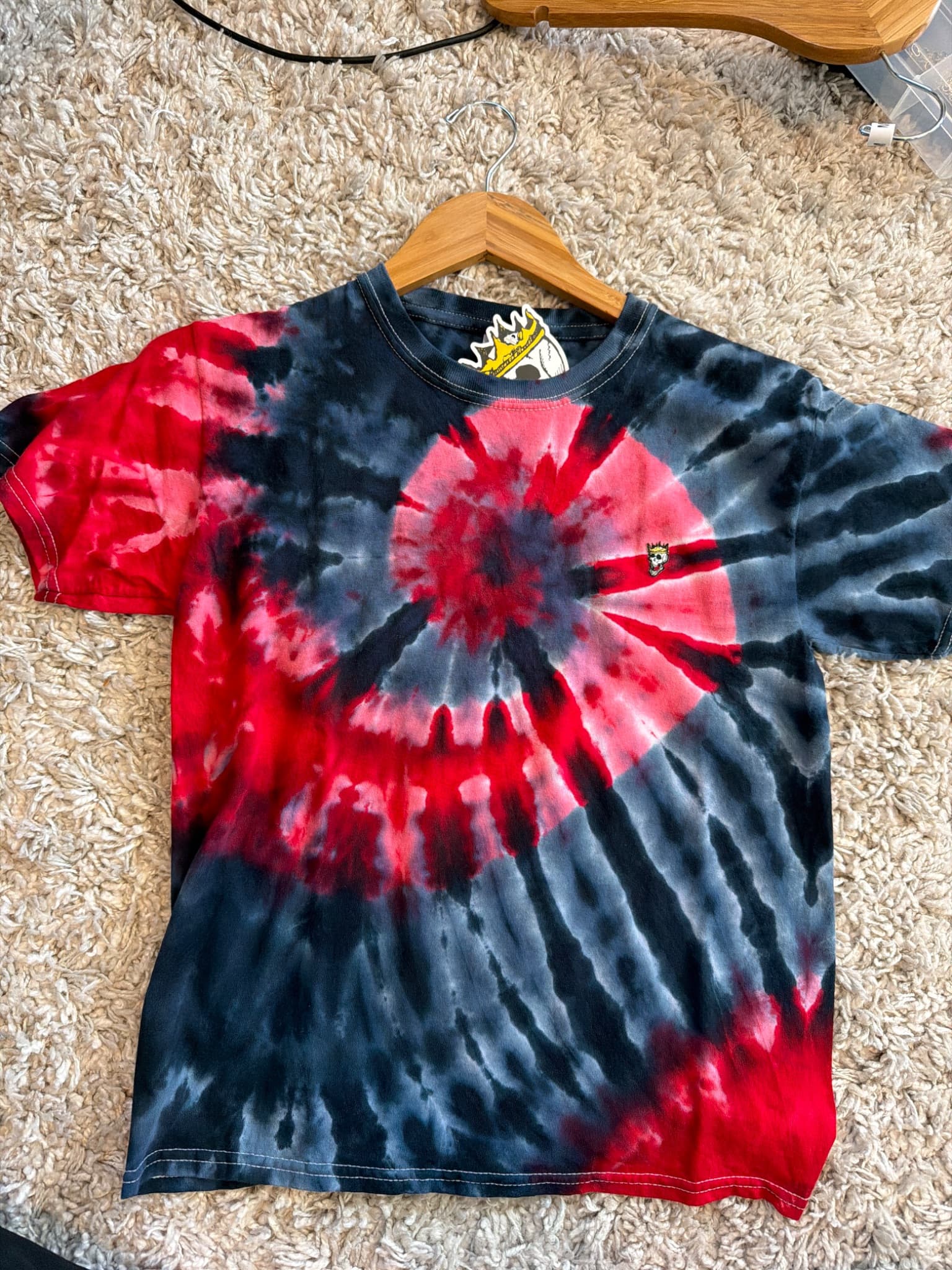
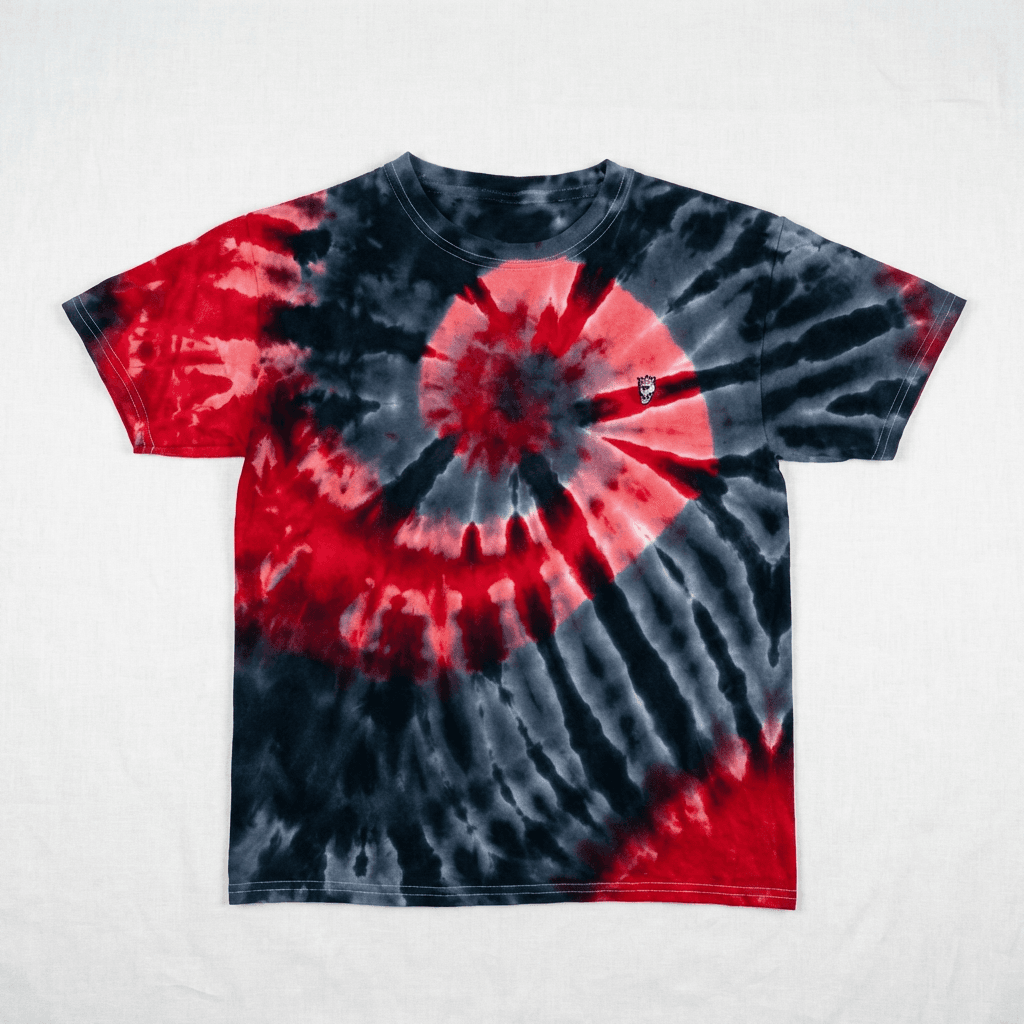
Transform your product photos with AI-powered flat lay photography.
What you'll need
- Photo editing or batch processing software
- High-resolution source images
- Knowledge of platform requirements
Step-by-step guide
Know your platform requirements
Each marketplace has specific size requirements. Amazon needs minimum 1000x1000px with zoom capability. Etsy recommends 2000px on shortest side. eBay requires at least 500x500px.
Maintain aspect ratios
Most marketplaces expect square (1:1) images for listings. Crop your images to square format, centering the product with appropriate padding.
Resize for web
Use bicubic sharper interpolation when downsizing. Add slight sharpening after resize to counteract softening.
Optimize file size
Balance quality and file size. JPEG quality 80-85% is usually sufficient. Large files slow page loads which hurts sales.
Save in correct format
JPEG for photos with natural gradients. PNG for images needing transparency. WebP for best compression where supported.
Pro tips
Create action scripts or presets for each marketplace to batch process quickly
Keep master files at full resolution and export sized versions
Test final images on mobile - most shopping happens on phones
Some platforms have API requirements for automated uploads - check documentation
Common mistakes to avoid
Uploading images smaller than platform minimums
Stretching or distorting images to fit aspect ratios
Over-compressing images resulting in artifacts
Recommended photo styles
The easier way: AI product photography
While these manual techniques work great, AI can achieve professional results in seconds. Upload your product photo and let AI handle the lighting, backgrounds, and styling automatically.
Try AI product photographyFrequently asked questions
What size should Amazon product photos be?
Amazon requires minimum 1000x1000 pixels for zoom functionality. They recommend 2000x2000 pixels for best quality. Images must be 1:1 square aspect ratio for main image.
What is the best file format for product photos?
JPEG at 80-85% quality is best for most product photos. Use PNG for images requiring transparency. WebP offers best compression where supported.
How do I resize multiple images at once?
Use batch processing in Photoshop (Actions + Batch), Lightroom Export, or free tools like XnConvert for bulk resizing.
Related guides
Related resources
Photography styles
Ready to create professional photos?
Skip the setup and create stunning product photos with AI. Start with 3 free credits.
Start creating free