How to create white background product photos
Pure white backgrounds that marketplaces demand

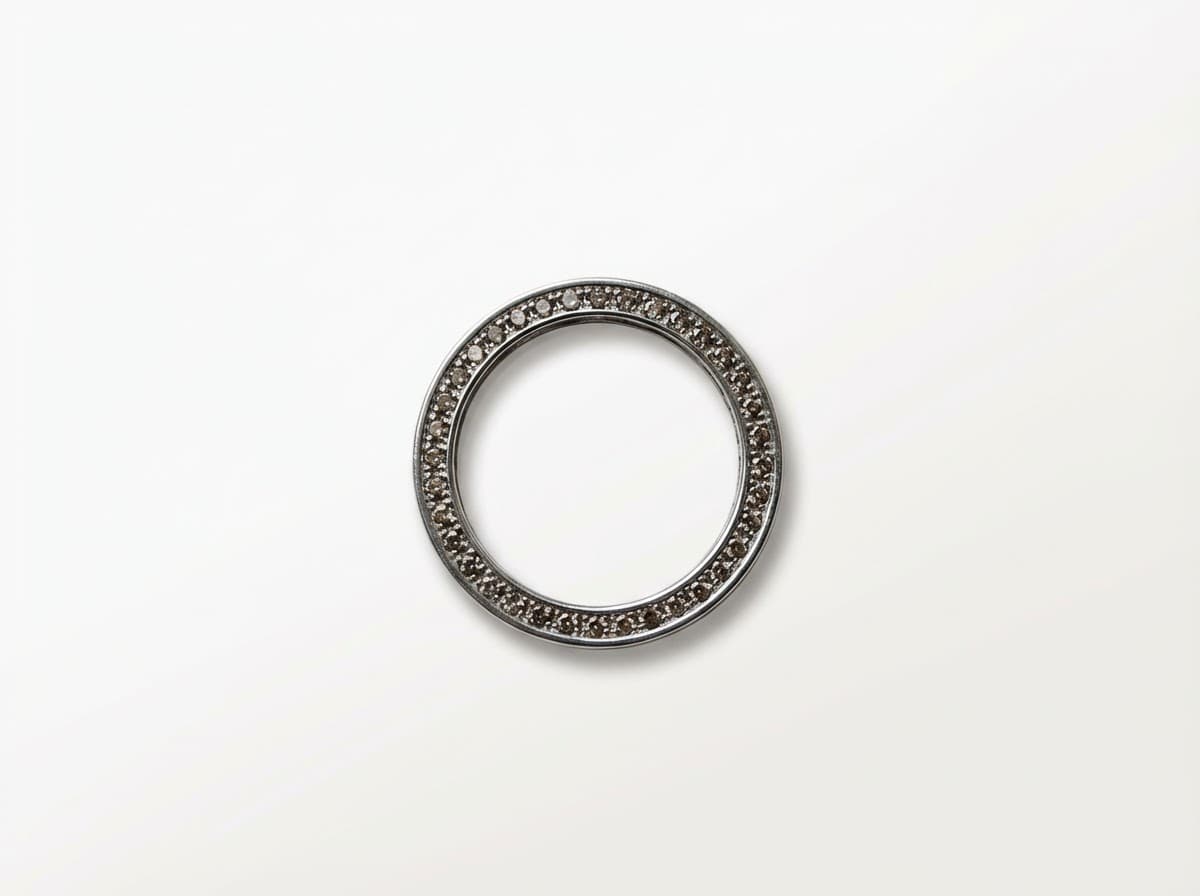
Transform your product photos with AI-powered minimalist photography.
What you'll need
- Camera or smartphone
- White seamless paper or vinyl backdrop
- Two to three light sources
- Light tent or diffusion material
- Tripod
- Photo editing software
Step-by-step guide
Set up your background
Curve white seamless paper from a vertical surface down to your shooting table. This creates a gradual transition with no visible corners or seams.
Light the background
Position lights to illuminate the background separately from your product. The background should be 1-2 stops brighter than your product lighting.
Light your product
Use diffused front lighting or a light tent to evenly illuminate your product without harsh shadows. Add a fill light or reflector for the shadow side.
Check your exposure
Take a test shot and check the histogram. The background should read as pure white (255) without blowing out product details.
Fine-tune in editing
Use levels or curves to push the background to pure white (RGB 255,255,255). Mask the product to protect it from overexposure.
Pro tips
Overexpose the background in-camera by 1.5-2 stops
Keep your product away from the background to prevent color contamination
Use a gray card to set accurate white balance before shooting
Test your final images by placing them on a white web page - mismatched whites are obvious
Common mistakes to avoid
Using off-white or cream colored backgrounds
Overexposing the entire image instead of just the background
Not checking RGB values in the final image
Recommended photo styles
The easier way: AI product photography
While these manual techniques work great, AI can achieve professional results in seconds. Upload your product photo and let AI handle the lighting, backgrounds, and styling automatically.
Try AI product photographyFrequently asked questions
What is the RGB value for a true white background?
True white is RGB 255,255,255. Amazon and most marketplaces require this exact value for main listing images.
Can I use a photo editing app to make backgrounds white?
Yes, background removal tools can work, but starting with a properly lit white background produces cleaner results with better edges.
Do I need expensive lights for white backgrounds?
No, consistent daylight-balanced LED panels are affordable and effective. Window light with reflectors can also work well.
Related guides
Related resources
Ready to create professional photos?
Skip the setup and create stunning product photos with AI. Start with 3 free credits.
Start creating free